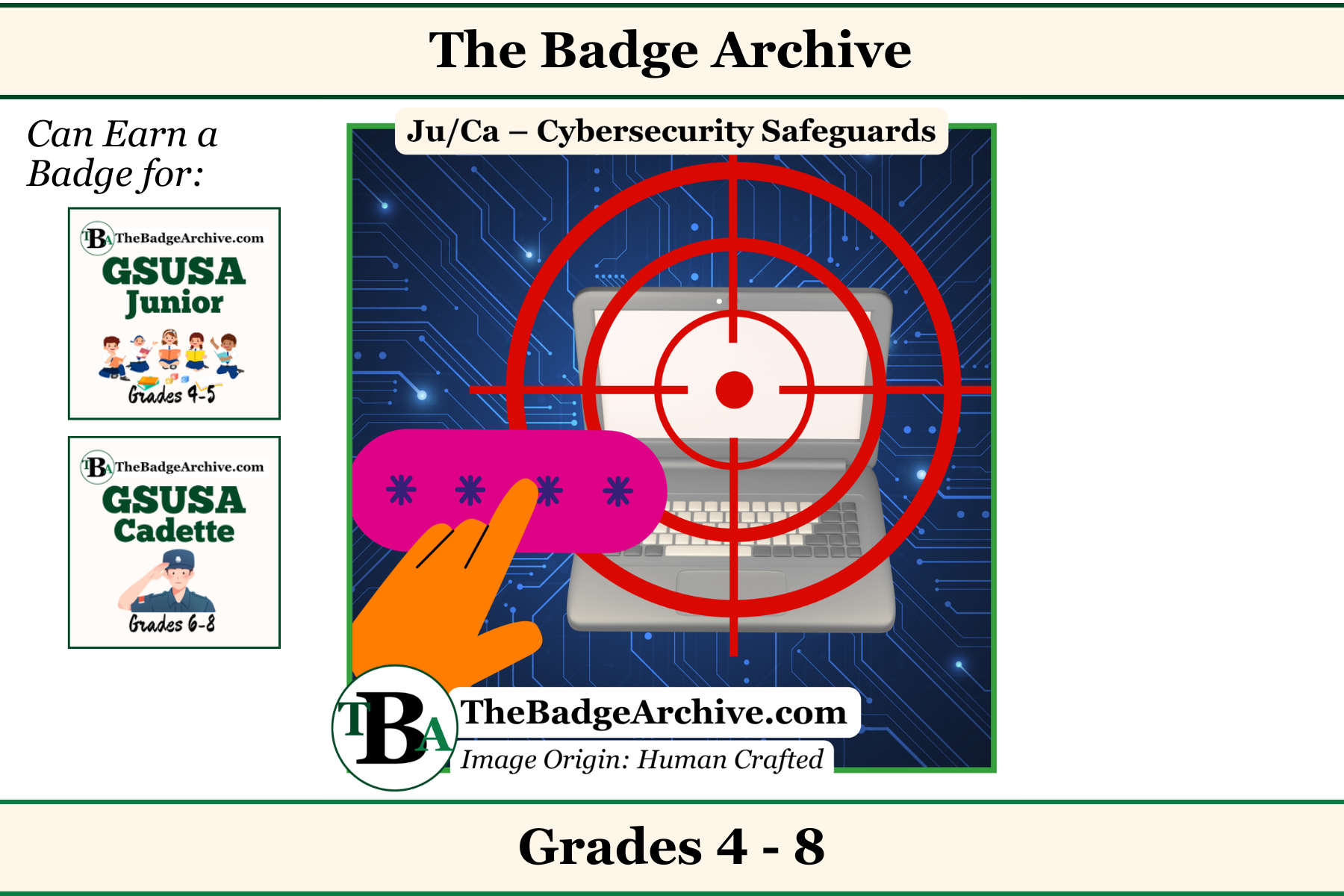
When you go online, it is important to protect your identity and your accounts. Always use a made-up nickname instead of your real personal information for your username, and create long, unique passwords that you only share with a trusted adult.
What is a Safe Username?
A username is the nickname you use in games or on websites. It is important to keep your real identity a secret when you are online. Do not use your real name, your birth date, or where you live in your username. Make it a made-up nickname instead of sharing any personal information.
How to Make a Strong Password
A password is like a lock for your online accounts, and you want to make sure nobody else can guess it.
- Make it Long: The best passwords have at least 12 to 16 characters.
- Use a Passphrase: Instead of random letters, try using a short, silly sentence or a list of words. For example, “HorsePurpleHatRun” is a very strong password and it is easy for you to remember.
- Keep Personal Stuff Out: Never use your name, your birthday, or other easily guessed information in your password.
- Mix It Up: Add numbers, symbols, uppercase letters, and lowercase letters to make it even stronger.
- Make it Unique: Use a different password for every single account you have.
Important Rules to Remember
Passwords are private and you should never share them with friends. The only people who should know your password are your parents or a trusted adult.
A parent can help you set up a password manager. This is a safe tool that creates strong passwords and remembers them for you.
–
For More Fun Ideas and Plans

Join the Girl Scout Daisy, Brownie, and Junior Leader Help Facebook Group
(Not an official GSUSA Group)

Join the Girl Scout Cadette, Senior, and Ambassador Leader Help Facebook Group
(Not an official GSUSA Group)

See other Recommended Facebook Groups for some Scouting Organizations
(No official Groups)
–
Click Here -> To see information References:
Disclaimer: The information published on The Badge Archive is built from the references listed below. These sources demonstrate that our content is grounded in facts and research, not opinion or speculation. Readers may consult them directly when looking for additional material.
- Act for Kids. “Staying Safe Online.” Act for Kids, Aug. 2025, https://actforkids.com.au/wp-content/uploads/2025/08/CPW_2025_Tip-Sheets-and-Resources_Quick-Tips-for-Kids-to-Stay-Safe-Online.pdf. Accessed 26 July 2026.
- Cybersecurity and Infrastructure Security Agency. “Use Strong Passwords.” Cisa.Gov, CISA, https://www.cisa.gov/secure-our-world/use-strong-passwords. Accessed 26 July 2026.
- Federal Trade Commission. “Creating Strong Passwords and Other Ways To Protect Your Accounts.” Consumer Advice, 7 Sept. 2023, https://consumer.ftc.gov/articles/creating-strong-passwords-and-other-ways-protect-your-accounts. Accessed 26 July 2026.
- Safe At home Hamilton. “Online Safety Tips | Safe At Home.” Safe At Home Hamilton, 11 Mar. 2024, https://safeathomehamilton.ca/online-safety-tips/. Accessed 26 July 2026.
–
- Find out how you can support The Badge Archive!