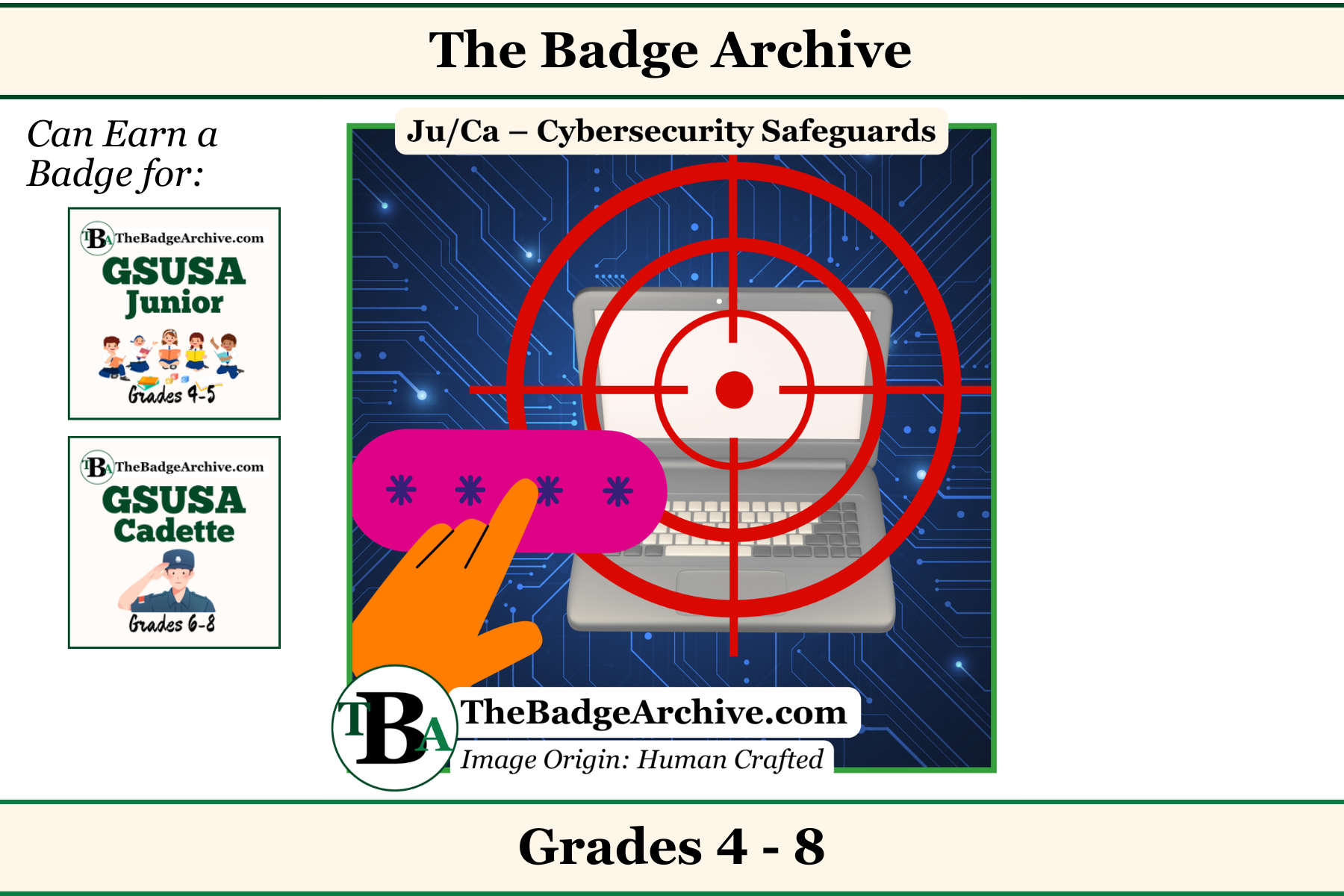
Investigators are curious. They look for clues to solve mysteries and find answers. When you want to find an answer on the internet, you are looking for clues too. But there are hidden dangers online. Here is how to search safely.
Use Clear Clues (Your Search Words)
To find the right answer, you need to type the right question. Be specific. If you want to know what a puppy eats, don’t just type “dog.” Type “What do puppies eat?” But keep it short. Use the most important words for your question.
Stay on the Safe Path
The internet is like a giant digital forest. Investigators always stay on the safe path. Ask a grown-up first before you type anything. Always make sure a parent, teacher, or leader is with you.
Look for safe places online. Only click on websites that your grown-up says are okay. Stop and report if you see a weird picture, a strange pop-up, or a button that asks for your name. Do not click it. Tell your grown-up leader right away.
Solve the Mystery!
Once you find a website your grown-up approved, look for your answer. Mission complete!
–
For More Fun Ideas and Plans

Join the Girl Scout Daisy, Brownie, and Junior Leader Help Facebook Group
(Not an official GSUSA Group)

Join the Girl Scout Cadette, Senior, and Ambassador Leader Help Facebook Group
(Not an official GSUSA Group)

See other Recommended Facebook Groups for some Scouting Organizations
(No official Groups)
–
Click Here -> To see information References:
Disclaimer: The information published on The Badge Archive is built from the references listed below. These sources demonstrate that our content is grounded in facts and research, not opinion or speculation. Readers may consult them directly when looking for additional material.
- Common Sense Media. “Smart Online Search Tips for Kids.” YouTube, 11 Nov. 2013, https://youtu.be/pqGlhNDx7_k?si=Nk9botuPAsK2W7CX. Accessed 14 July 2026.
- Google. “Be Internet Awesome.” Be Internet Awesome, https://beinternetawesome.withgoogle.com/en_us/. Accessed 14 July 2026.
- Google. “Be Internet Awesome Family Challenge.” Girlscouts.org, Girl Scouts of the U.S.A., https://www.girlscouts.org/content/dam/gsusa/forms-and-documents/members/parents-families/GSUSA_BeInternetAwesome.pdf. Accessed 14 July 2026.
- NetSmartZ Kids. “My Rules for Internet Safety.” Netsmartzkids.org, Feb. 2020, https://www.netsmartzkids.org/wp-content/uploads/2020/02/activity-rules.pdf. Accessed 14 July 2026.
–
- Find out how you can support The Badge Archive!