- Fulfills Step 1 of GSUSA Daisy Cybersecurity Basics badge requirements.
- Fulfills Step 2 of GSUSA Brownie Cybersecurity Basics badge requirements.
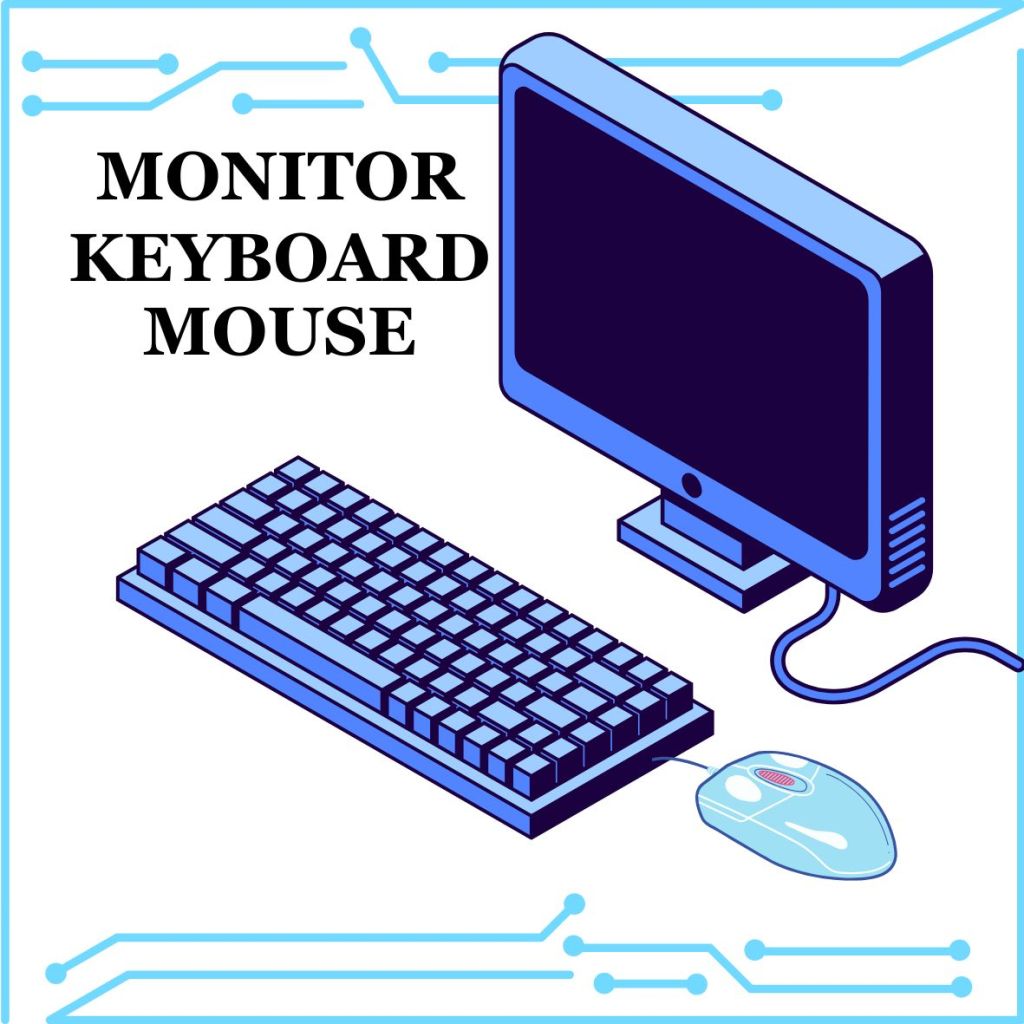
Daisy Info Needed for the badge requirements: Computers are housed in a System Unit. That’s a computer case on a desktop or the laptop itself. Computers have a Monitor to view things. A keyboard and mouse allow the user to interact with the computer. Inside the computer are the parts that make them work. You can use Headphones or Speakers to hear what is on a computer. The printer is a device that connects with a computer to print things the computer tells it to.
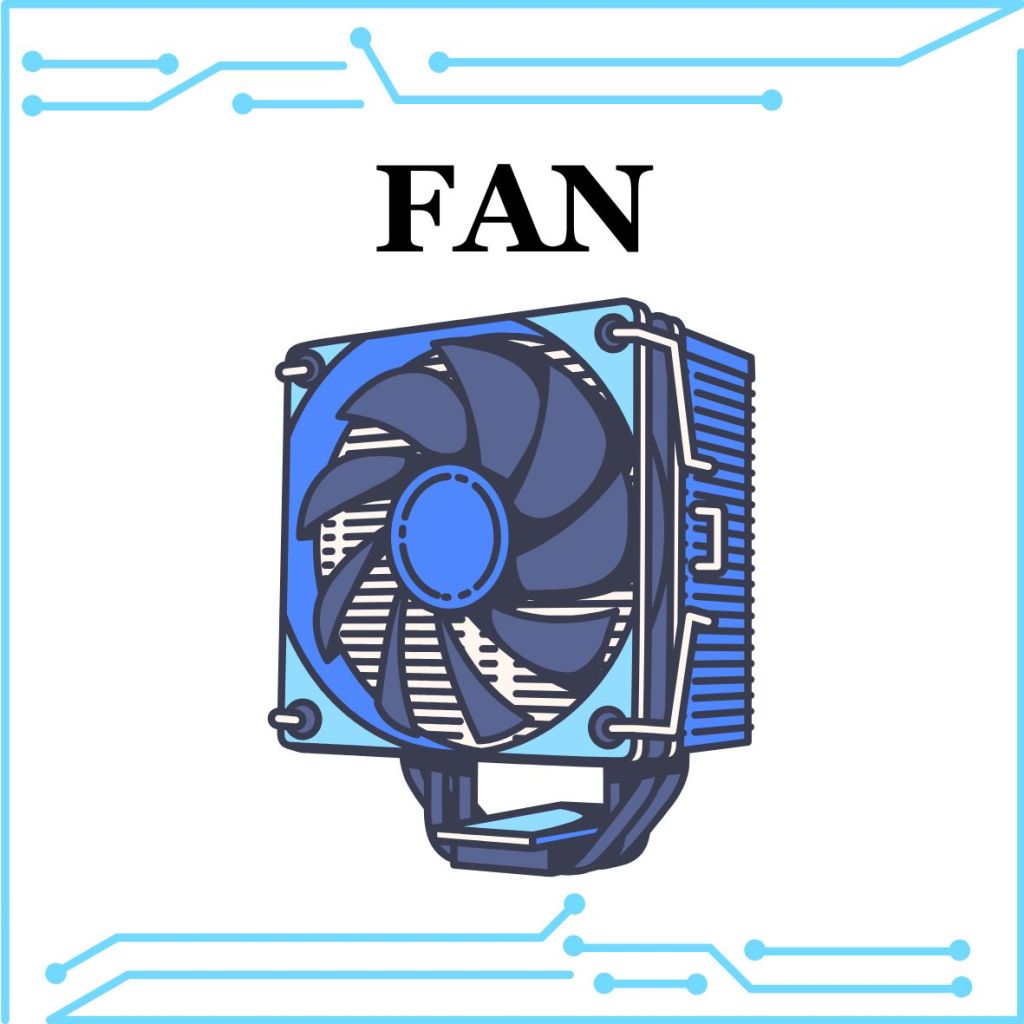
Brownie Info Needed for the badge requirements: Computers are housed in a System Unit. That’s a computer case on a desktop or the laptop itself. Computers have a Monitor to view things. A keyboard and mouse allow the user to interact with the computer. Inside the computer are the parts that make them work. The CPU, RAM, Hard drive, and Motherboard are common parts in all computers. The CPU (or Central Processing Unit) is like the brain of the computer, it controls all the parts. The Motherboard helps the computer communicate with all the parts, the internet, and devices you plug in or connect to, like USB cards, the keyboard and mouse, and even printers. RAM (or Random Access Memory) is the short term memory of your computer. It remembers what you are doing, like when you type in a word document. If you shut down the computer, anything on the RAM is lost. The Hard drive is the long term memory of your computer. It stores information, like when you save a file. When you shut down your computer, the data stays in the Hard drive. Of course, you can turn your computer on and off because it has a power source. Sometimes computers get very hot when they have been powered on for a long time. A fan is put inside the computer. If the pieces get too hot, they can burn out and be ruined. The fan kicks in to cool the parts down before it gets that hot.
Items Needed
- Print two sets of Computer Part Cards for each small group. Cut the cards so they are ready to play a memory game.
Instructions
- Divide scouts into small groups and give each group their set of cards.
- Mix up the cards and place them face down on a flat surface.
- Scouts take turns flipping over two cards at a time, trying to find matching pairs.
- If a scout finds a matching pair, they keep the cards and take another turn. If the cards do not match, turn them face down again, and the next scout takes a turn.
- Continue until all matches are found.
- Once the game is complete, discuss what each computer part is and what it does to reinforce learning.
Detailed Explanation of Parts
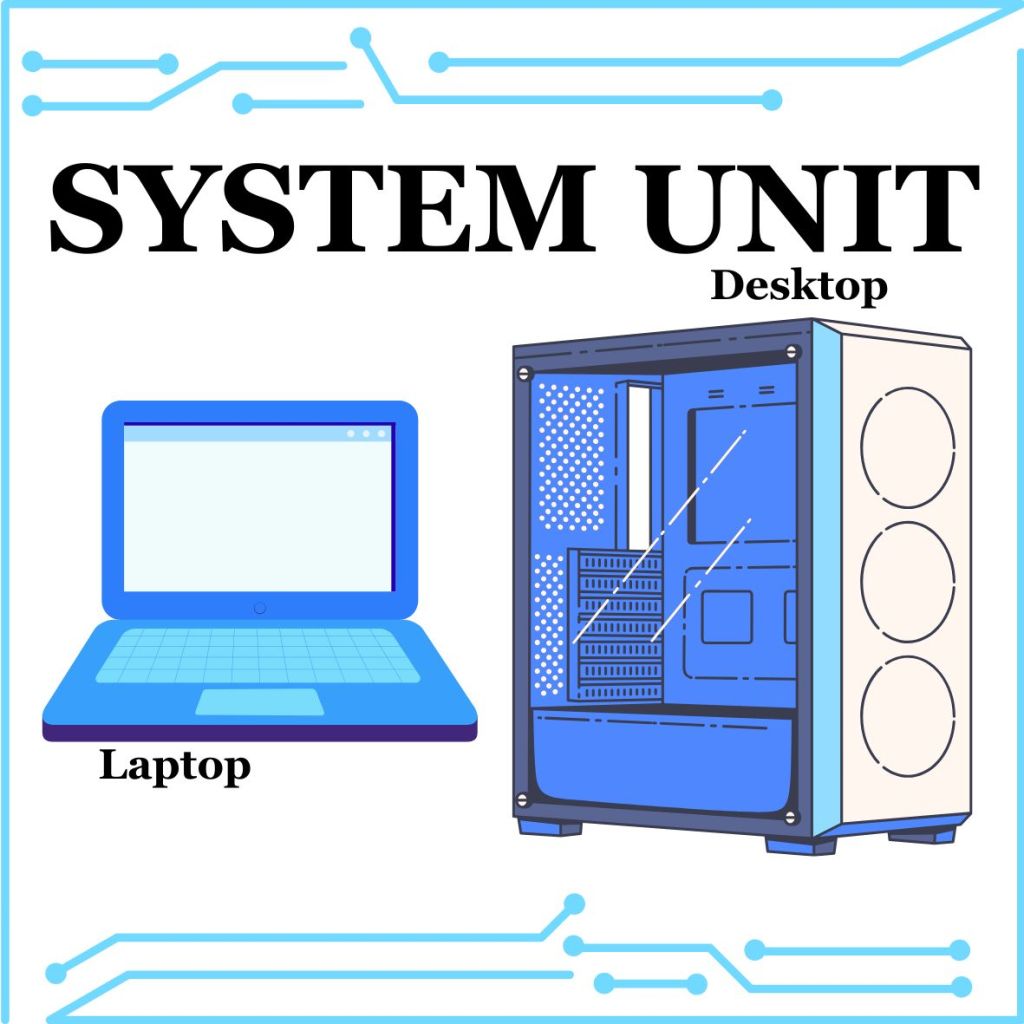
Computers are housed in a System Unit. That’s a computer case on a desktop or the laptop itself.
Computers have a Monitor to view things. A Keyboard and Mouse allow the user to interact with the computer.
Inside the computer are the parts that make them work. The CPU, RAM, Hard drive, and Motherboard are common parts in all computers.

The CPU (or Central Processing Unit) is like the brain of the computer, it controls all the parts.
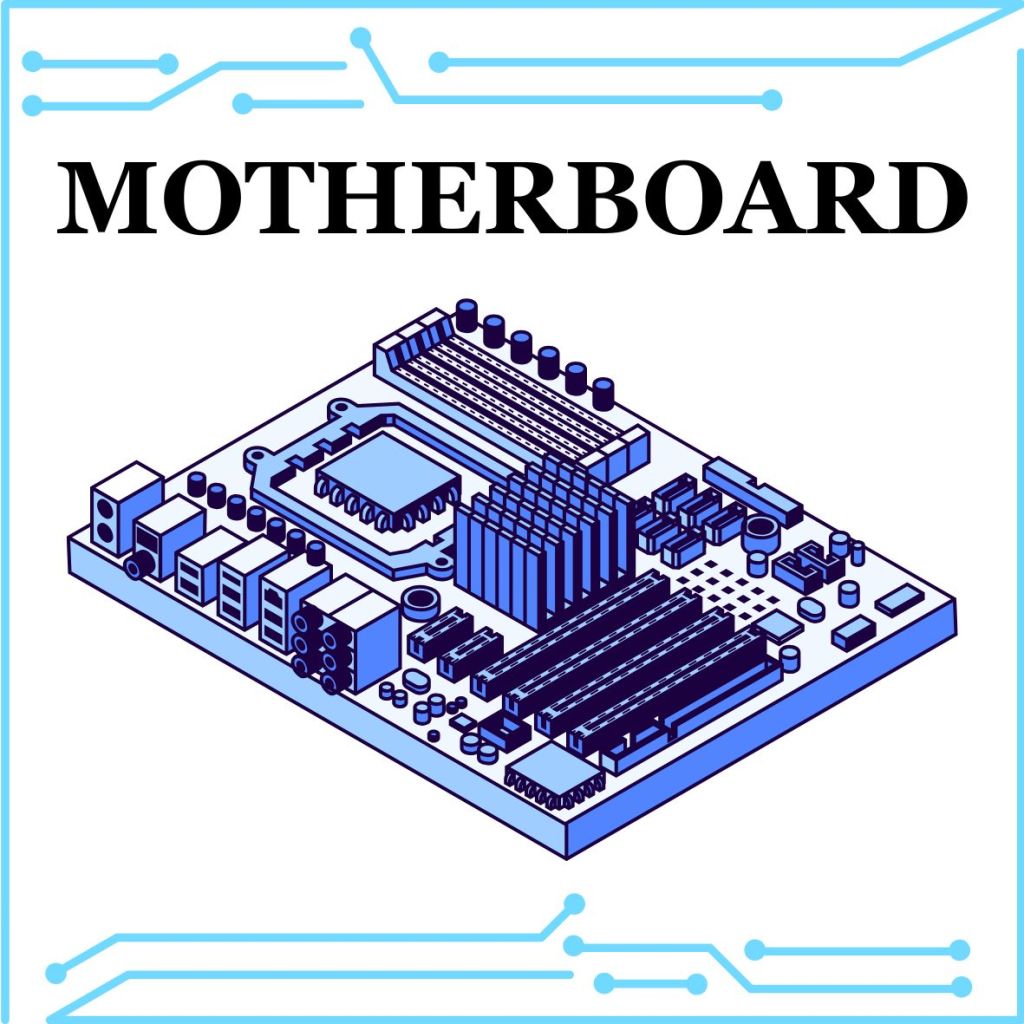
The CPU is located on the Motherboard. The Motherboard helps the computer communicate with all the parts, the internet, and devices you plug in or connect to, like USB cards, the keyboard and mouse, and even printers.

RAM (or Random Access Memory) is the short-term memory of your computer. It remembers what you are doing, like when you type in a word document. If you shut down the computer, anything on the RAM is lost.
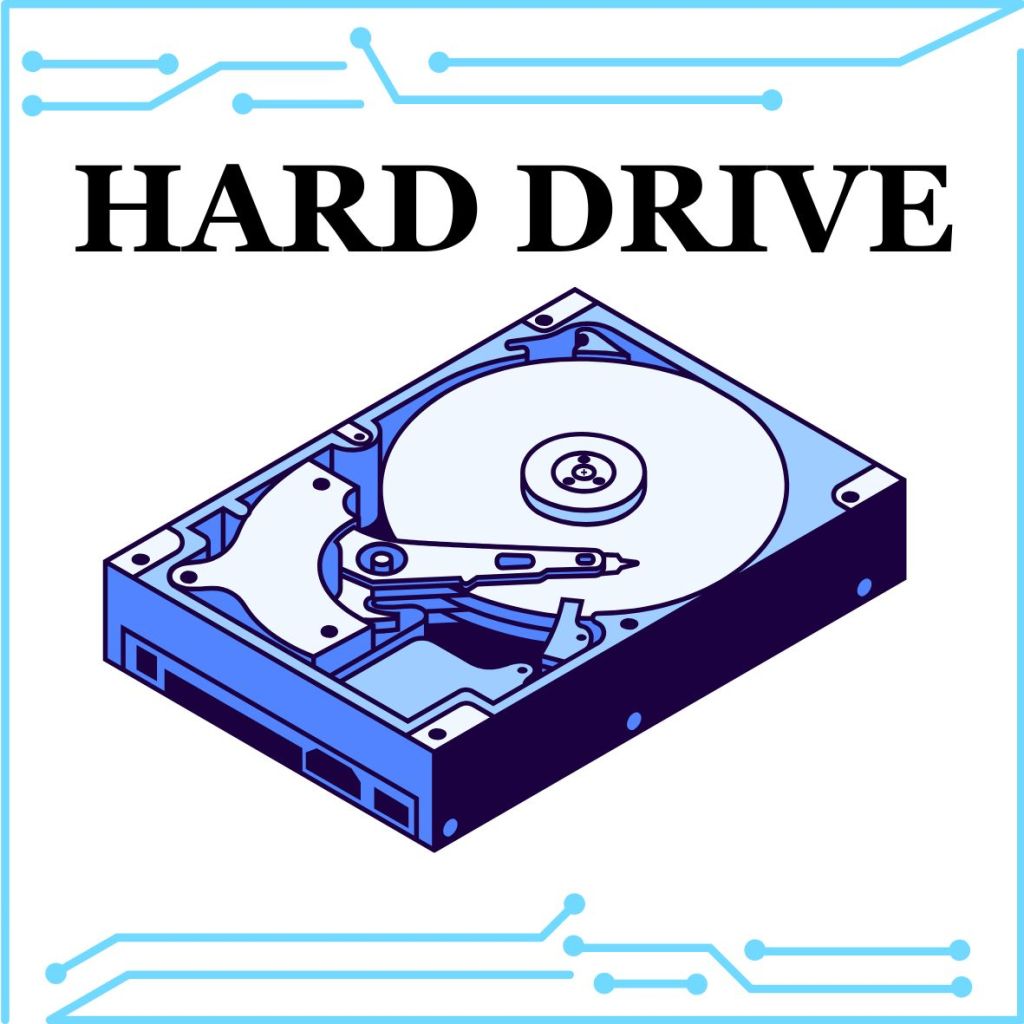
The Hard Drive is the long-term memory of your computer. It stores information, like when you save a file. When you shut down your computer, the data stays in the Hard Drive.
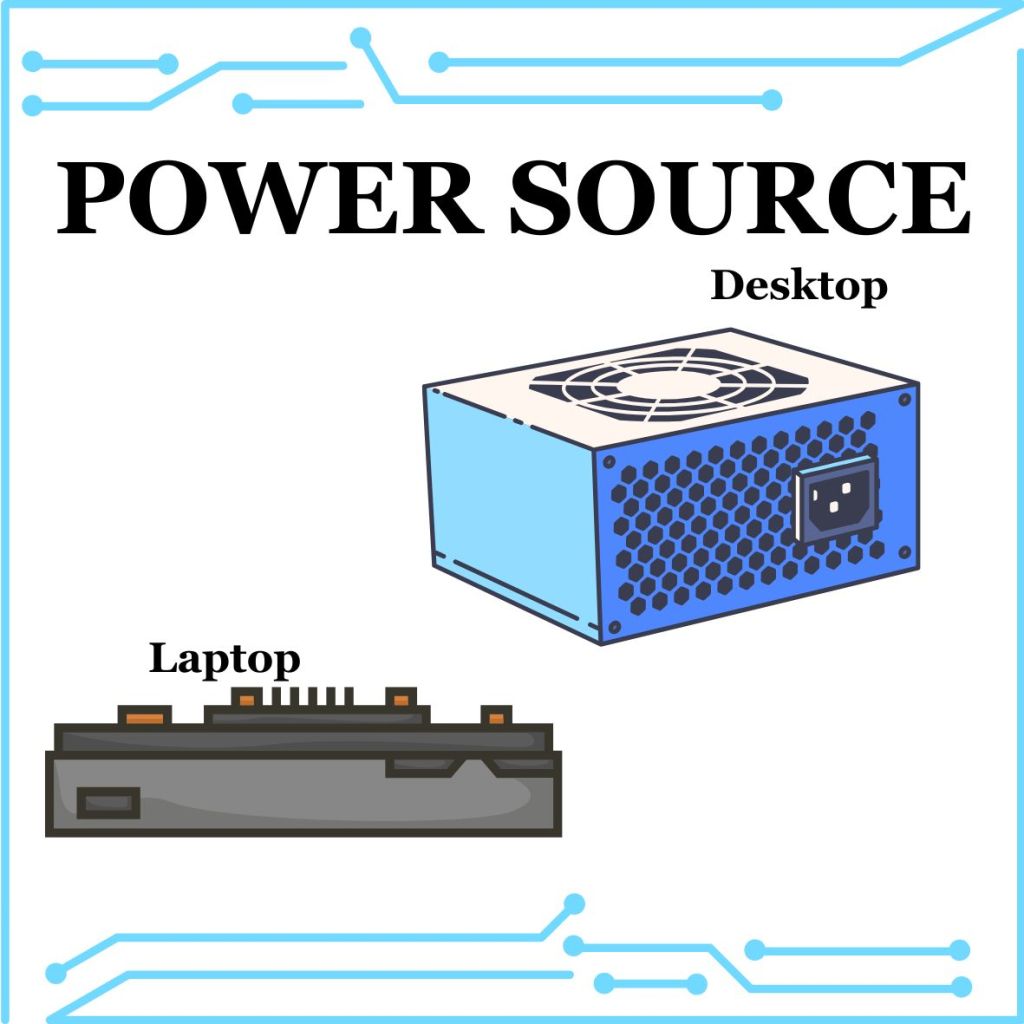
Of course, you can turn your computer on and off because it has a Power Source.
Sometimes computers get very hot when they have been powered on for a long time. A Fan is put inside the computer. If the pieces get too hot, they can burn out and be ruined. The Fan kicks in to cool the parts down before it gets that hot.
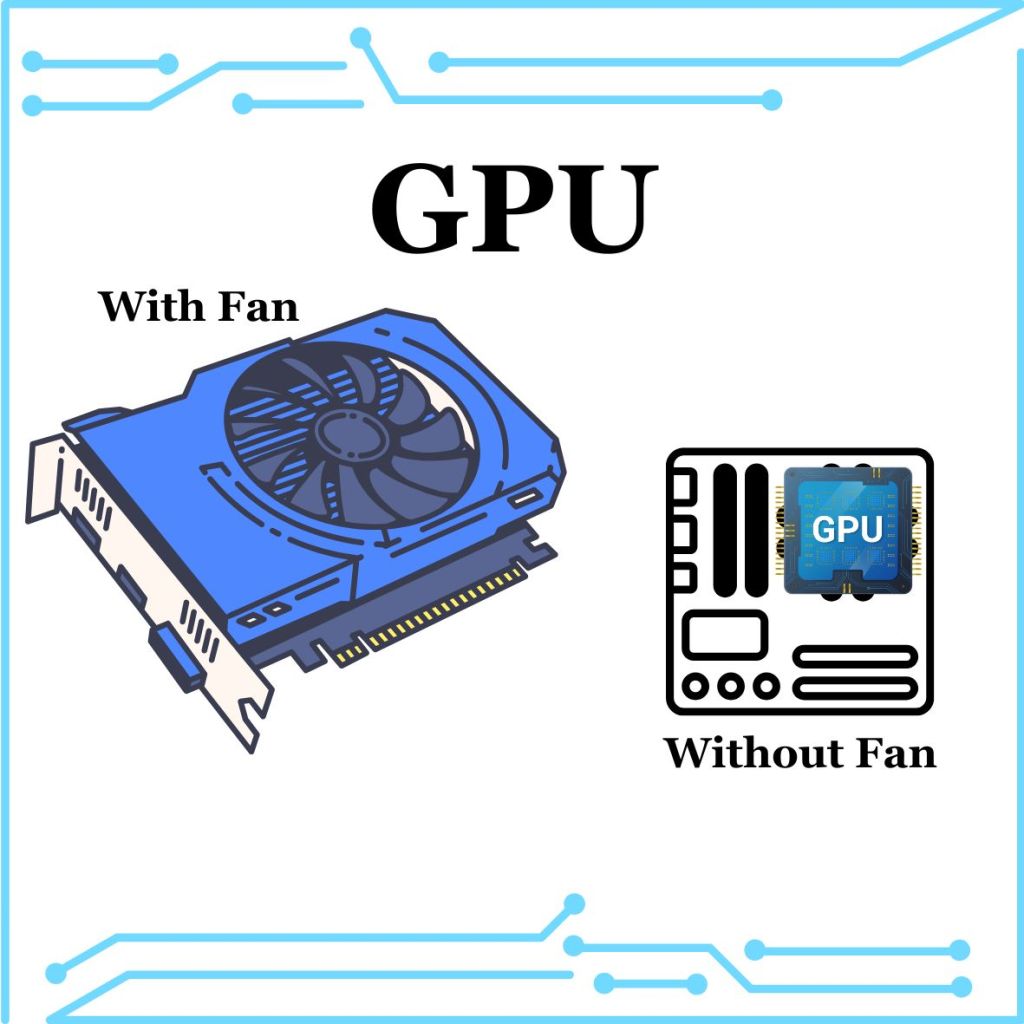
The GPU (Graphics Processing Unit) is like the CPU in shape but is usually a little bigger. It needs more cores than a CPU because it processes the 2D and 3D graphics on a computer. This requires a lot of mathematical equations to show those images. It is on a separate board from the motherboard and sometimes has its own fan.
An SSD (or Solid-State Drive) is additional long-term storage. It is smaller than a Hard Drive will read and write information faster due to the flash memory. Hard Drives use a magnetic memory that takes longer to access and are more prone to damage. However, Hard Drives are far cheaper to make than SSD cards, so SSD cards are usually extra storage and not the main Hard Drive.

References:
Computer Basics: Inside a Computer. “Computer Basics: Inside a Computer.” YouTube, 3 Sept. 2020, youtu.be/HB4I2CgkcCo?feature=shared. Accessed 26 Jan. 2025.
Dodge, David. “Computer Basics for Kids: Parts of a Computer.” CodaKid, 3 Nov. 2021, codakid.com/parts-of-a-computer/. Accessed 26 Jan. 2025.
“SSD vs HDD – Difference between Data Storage Devices – AWS.” Amazon Web Services, Inc., aws.amazon.com/compare/the-difference-between-ssd-hard-drive/. Accessed 26 Jan. 2025.







 The Badge Archive