- Fulfills Step 1 of GSUSA Daisy Cybersecurity Basics badge requirements.
- Fulfills Step 2 of GSUSA Brownie Cybersecurity Basics badge requirements.
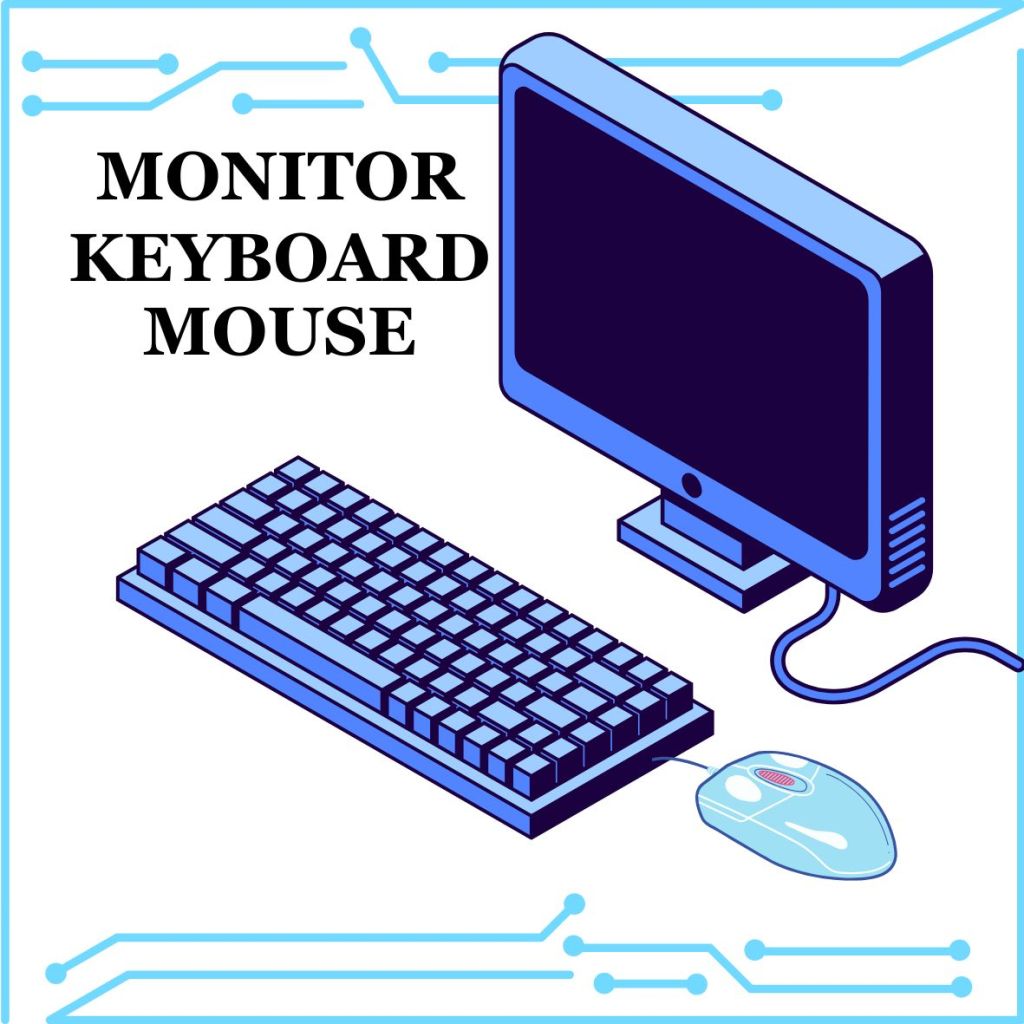
Daisy Info Needed for the badge requirements: Computers are housed in a System Unit. That’s a computer case on a desktop or the laptop itself. Computers have a Monitor to view things. A keyboard and mouse allow the user to interact with the computer. Inside the computer are the parts that make them work. You can use Headphones or Speakers to hear what is on a computer. The printer is a device that connects with a computer to print things the computer tells it to.
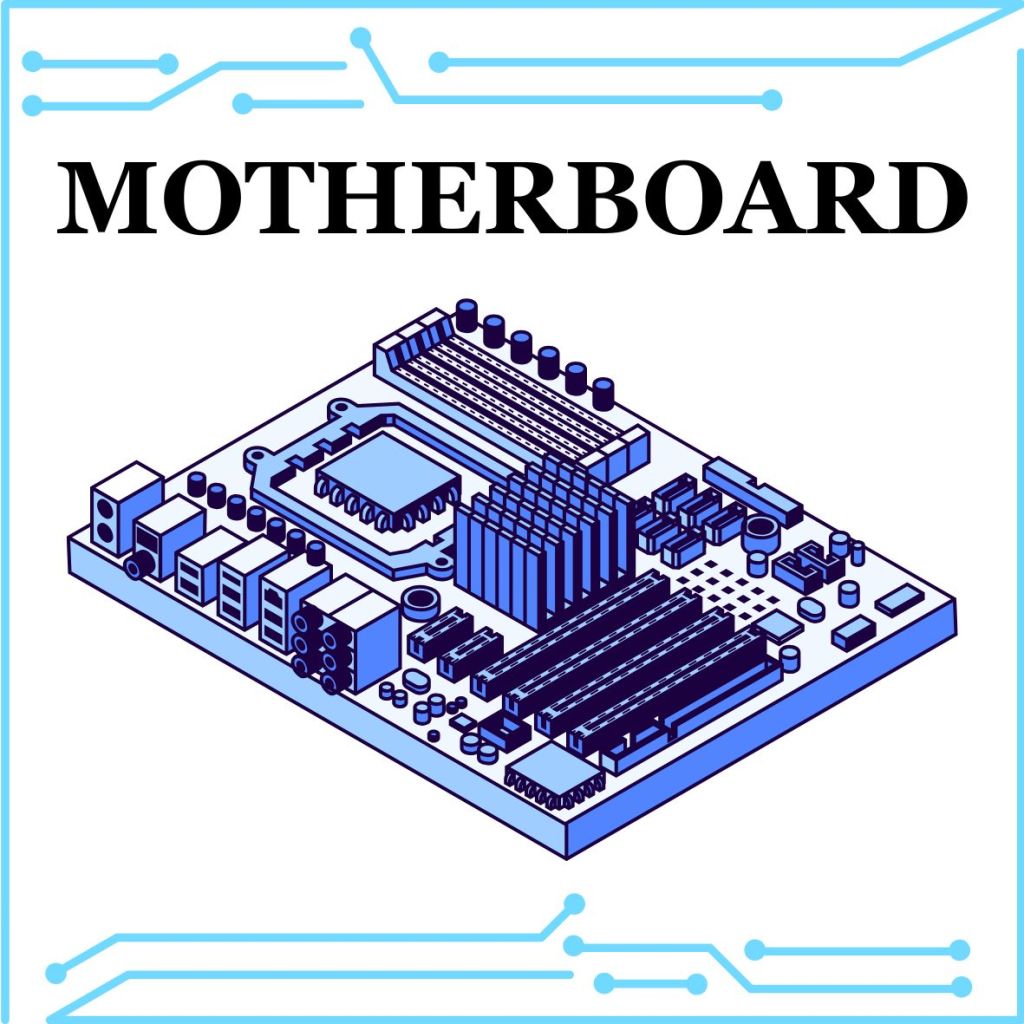
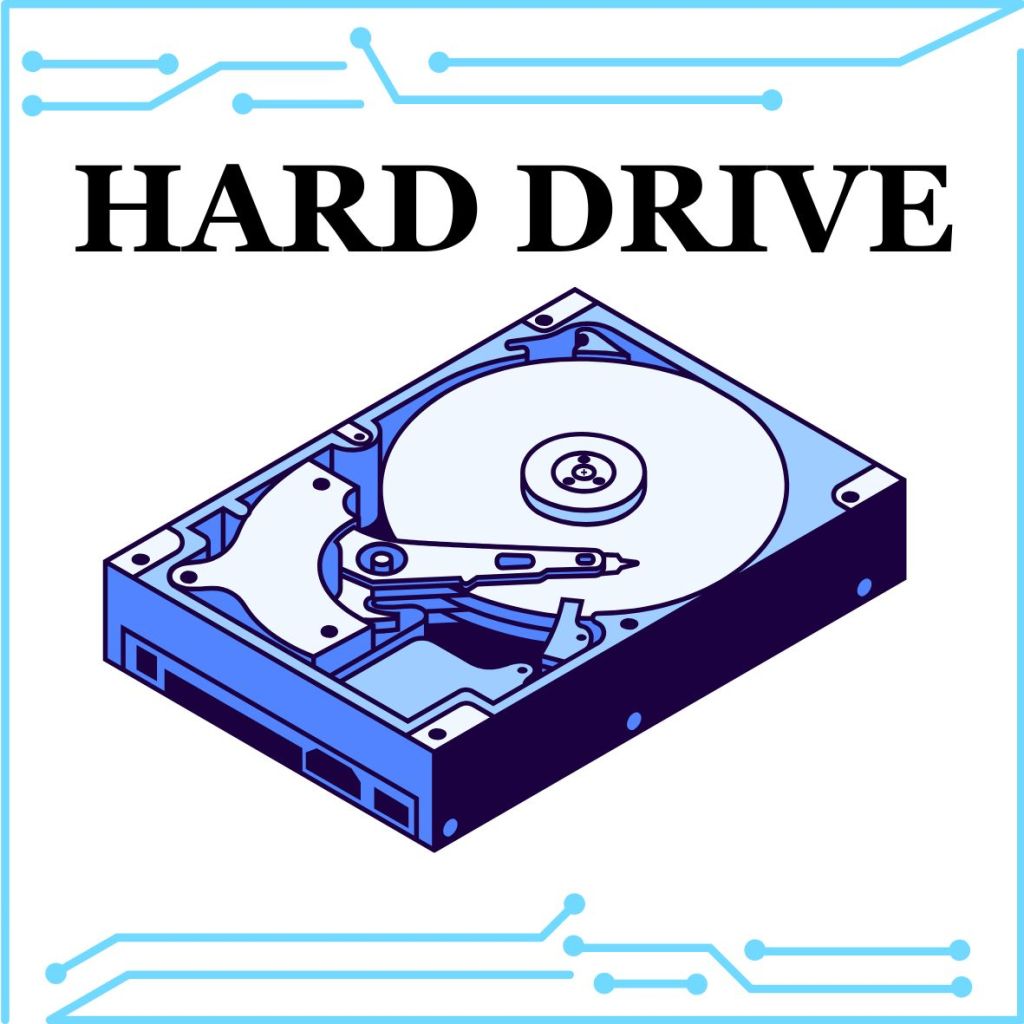
Brownie Info Needed for the badge requirements: Computers are housed in a System Unit. That’s a computer case on a desktop or the laptop itself. Computers have a Monitor to view things. A keyboard and mouse allow the user to interact with the computer. Inside the computer are the parts that make them work. The CPU, RAM, Hard drive, and Motherboard are common parts in all computers. The CPU (or Central Processing Unit) is like the brain of the computer, it controls all the parts. The Motherboard helps the computer communicate with all the parts, the internet, and devices you plug in or connect to, like USB cards, the keyboard and mouse, and even printers. RAM (or Random Access Memory) is the short term memory of your computer. It remembers what you are doing, like when you type in a word document. If you shut down the computer, anything on the RAM is lost. The Hard drive is the long term memory of your computer. It stores information, like when you save a file. When you shut down your computer, the data stays in the Hard drive. Of course, you can turn your computer on and off because it has a power source. Sometimes computers get very hot when they have been powered on for a long time. A fan is put inside the computer. If the pieces get too hot, they can burn out and be ruined. The fan kicks in to cool the parts down before it gets that hot.
Items Needed
- Two sheets of paper
- Pencils, markers, or crayons
- Tape or glue
- (Optional) Printout instructions of Draw a paper laptop by The Badge Archive
- (Optional) Buy Printable paper computer on Teachers Pay Teachers by Brittany Washburn (Follow Instructions Here)
Instructions
- Fold the First Paper
- Fold one sheet of paper in half on the short side to create a pretend laptop.
- Draw a monitor on the top half and a keyboard with a mouse pad on the bottom half.
- Fold the Second Paper
- Fold another sheet of paper in the same way.
- Draw Computer Parts Inside
- On the top half of the second paper, draw a long, skinny battery.
- Below the battery, draw a box with a fan inside.
- Next to the fan, draw a square for the CPU.
- Under the CPU, draw a hard drive (a fat rectangle with wires).
- Under the fan, draw RAM (a skinny line of small squares).
- In the remaining space, outline the motherboard, connecting all parts.
- Label All Parts
- Write the names of each computer part next to your drawings.
- Assemble the Laptop
- Sandwich the two sheets together so the monitor and keyboard are on top.
- The computer parts should be under the keyboard section.
- Tape the edges around the monitor, leaving the bottom open so the laptop can “open” and reveal the inside.
- Personalize the Laptop
- Write your name on the top like a laptop brand logo.
- Decorate with colors, stickers, or designs.
Detailed Explanation of Parts
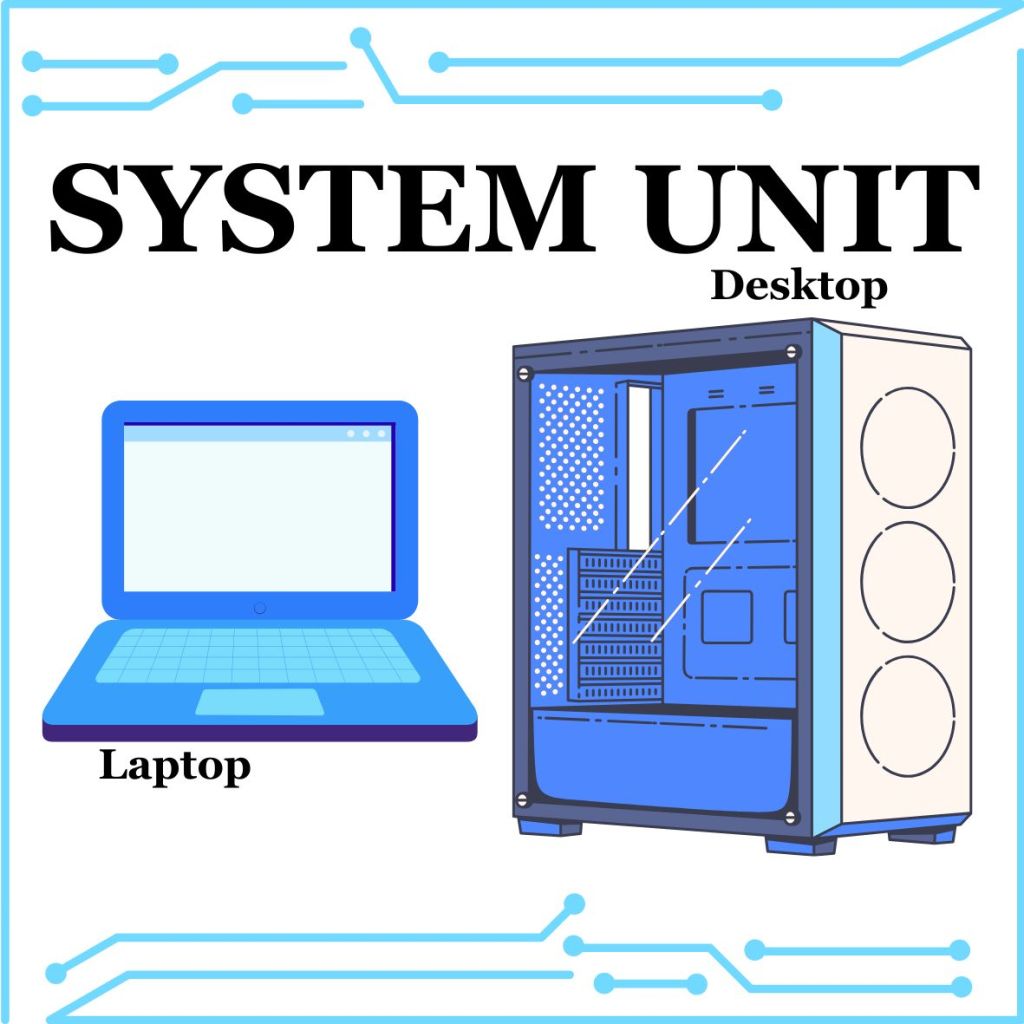
Computers are housed in a System Unit. That’s a computer case on a desktop or the laptop itself.
Computers have a Monitor to view things. A Keyboard and Mouse allow the user to interact with the computer.
Inside the computer are the parts that make them work. The CPU, RAM, Hard drive, and Motherboard are common parts in all computers.

The CPU (or Central Processing Unit) is like the brain of the computer, it controls all the parts.
The CPU is located on the Motherboard. The Motherboard helps the computer communicate with all the parts, the internet, and devices you plug in or connect to, like USB cards, the keyboard and mouse, and even printers.

RAM (or Random Access Memory) is the short-term memory of your computer. It remembers what you are doing, like when you type in a word document. If you shut down the computer, anything on the RAM is lost.
The Hard Drive is the long-term memory of your computer. It stores information, like when you save a file. When you shut down your computer, the data stays in the Hard Drive.
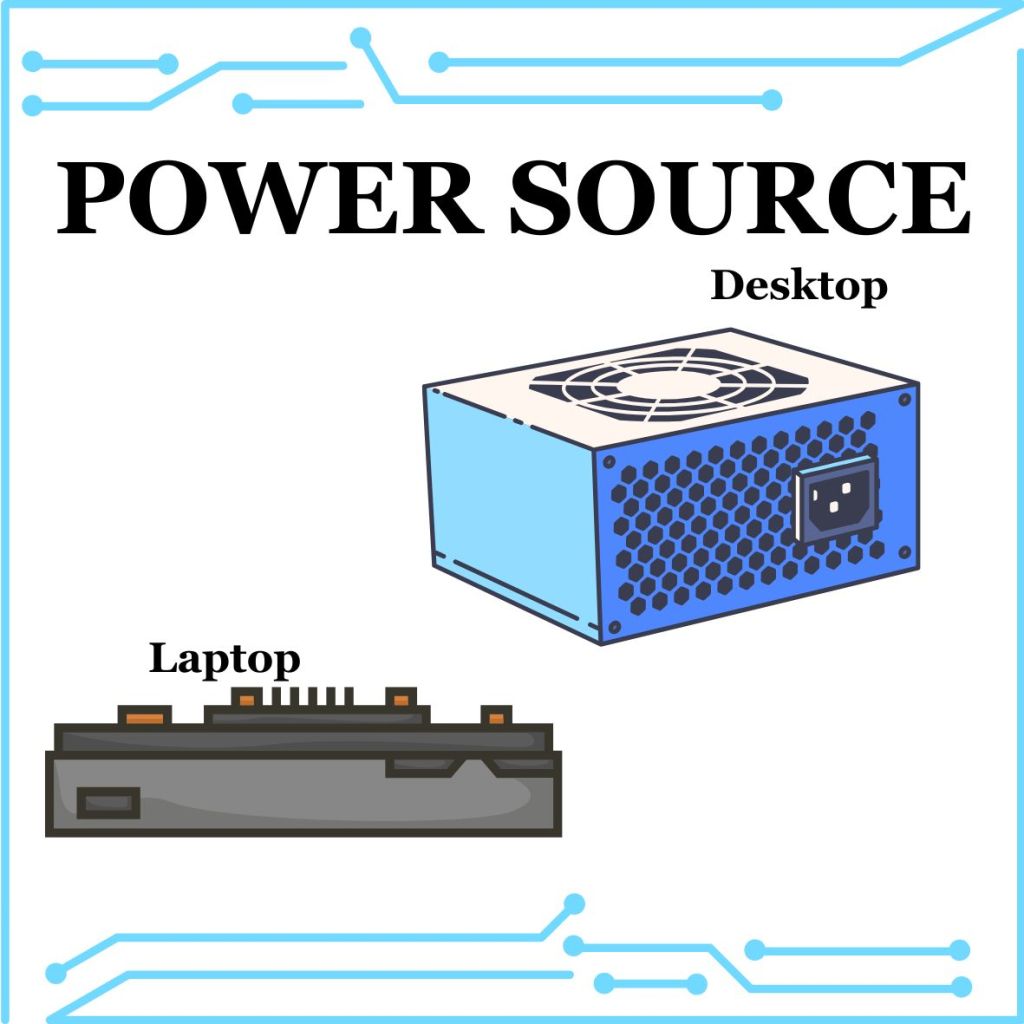
Of course, you can turn your computer on and off because it has a Power Source.
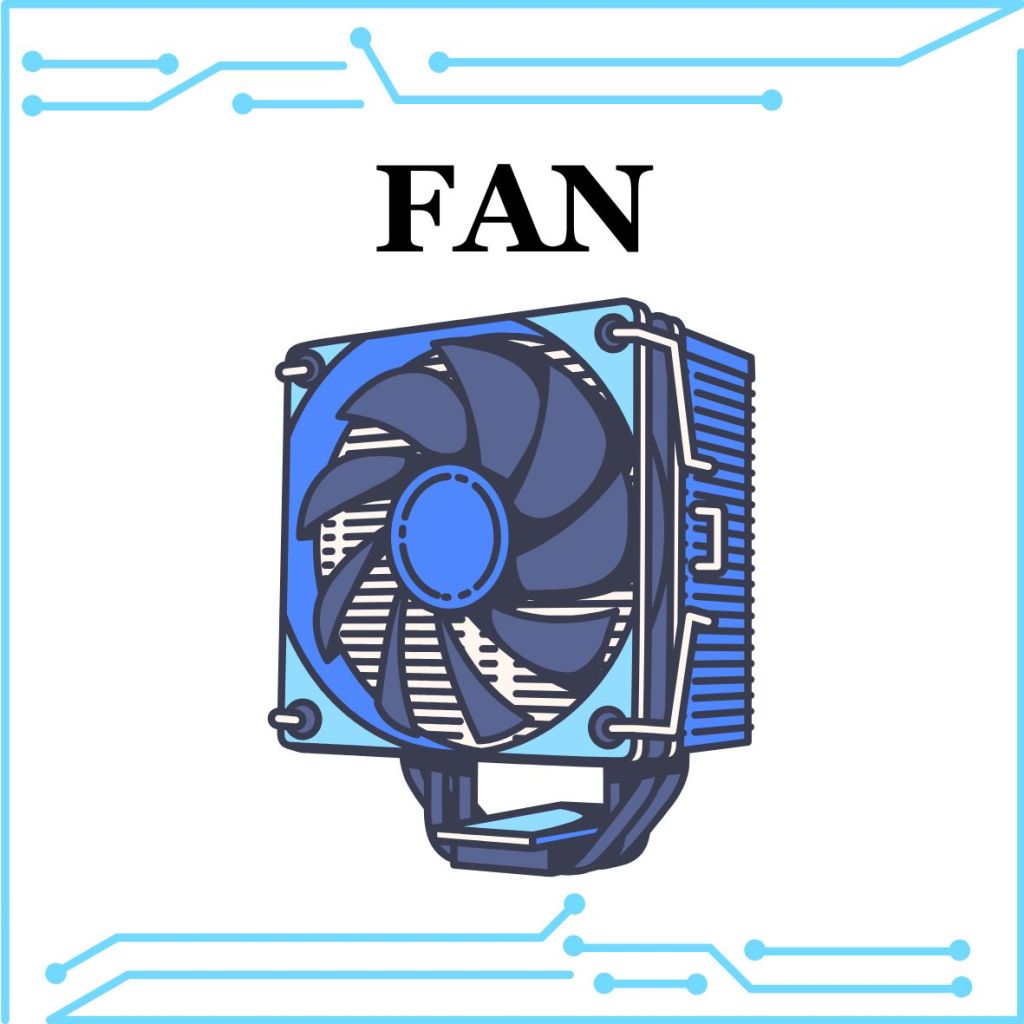
Sometimes computers get very hot when they have been powered on for a long time. A Fan is put inside the computer. If the pieces get too hot, they can burn out and be ruined. The Fan kicks in to cool the parts down before it gets that hot.
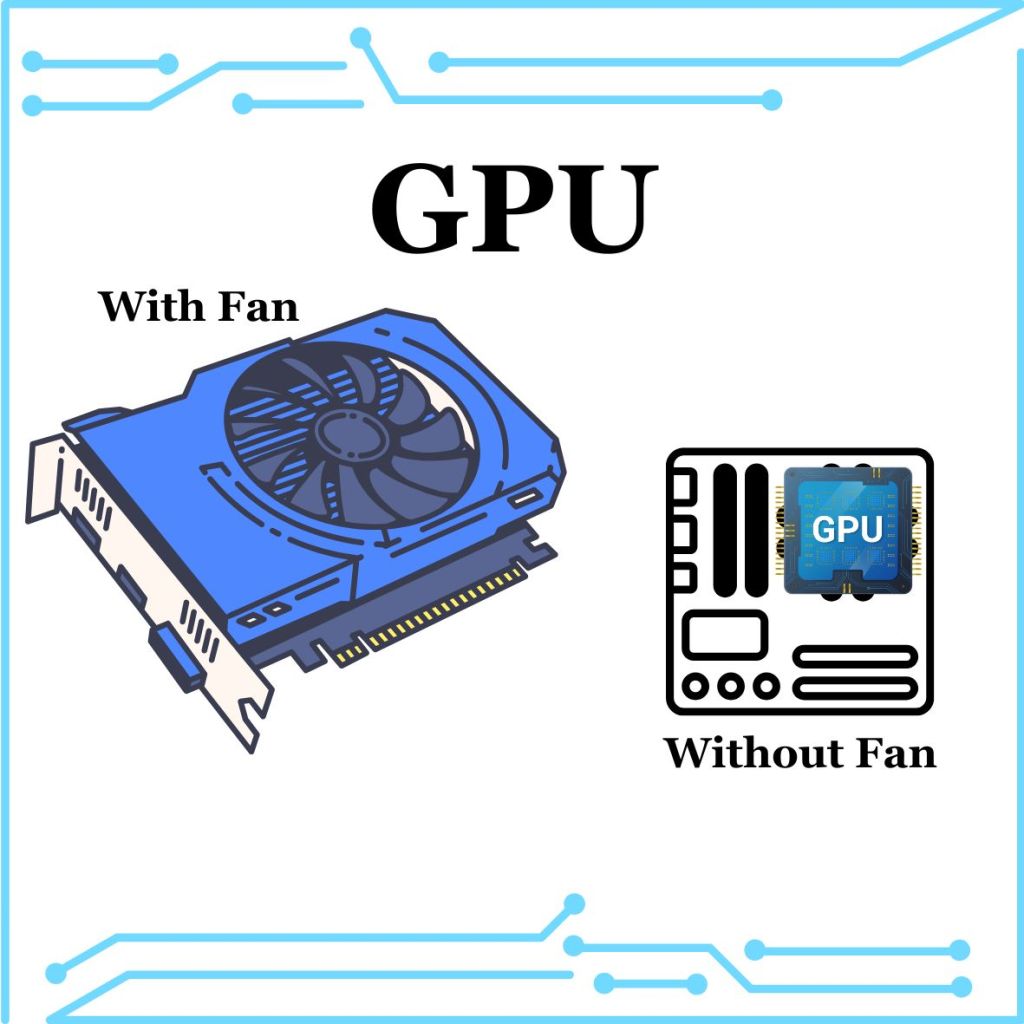
The GPU (Graphics Processing Unit) is like the CPU in shape but is usually a little bigger. It needs more cores than a CPU because it processes the 2D and 3D graphics on a computer. This requires a lot of mathematical equations to show those images. It is on a separate board from the motherboard and sometimes has its own fan.
An SSD (or Solid-State Drive) is additional long-term storage. It is smaller than a Hard Drive will read and write information faster due to the flash memory. Hard Drives use a magnetic memory that takes longer to access and are more prone to damage. However, Hard Drives are far cheaper to make than SSD cards, so SSD cards are usually extra storage and not the main Hard Drive.

References:
Computer Basics: Inside a Computer. “Computer Basics: Inside a Computer.” YouTube, 3 Sept. 2020, youtu.be/HB4I2CgkcCo?feature=shared. Accessed 26 Jan. 2025.
Dodge, David. “Computer Basics for Kids: Parts of a Computer.” CodaKid, 3 Nov. 2021, codakid.com/parts-of-a-computer/. Accessed 26 Jan. 2025.
“SSD vs HDD – Difference between Data Storage Devices – AWS.” Amazon Web Services, Inc., aws.amazon.com/compare/the-difference-between-ssd-hard-drive/. Accessed 26 Jan. 2025.







 The Badge Archive